Common faults
- !Will not power on
- !Intermittent shutdowns
- !Needs several attempts to start
- !No charging
- !Burn smell or heat marks
- !Short circuit
Send the model and symptoms — a specialist will suggest the likely cause and next step.
Diagnostics for laptop and desktop power faults: no start, unstable operation, shorts and damaged components.
Send the model and symptoms — a specialist will suggest the likely cause and next step.
Send the device model and what happened. We’ll tell you the best next step without forms or obligations.
Power faults require careful diagnostics because the problem may be in the adapter, connector, PSU or on the board itself. Repeated power-on attempts during a short circuit can increase damage. We locate the fault and agree the repair after diagnostics.
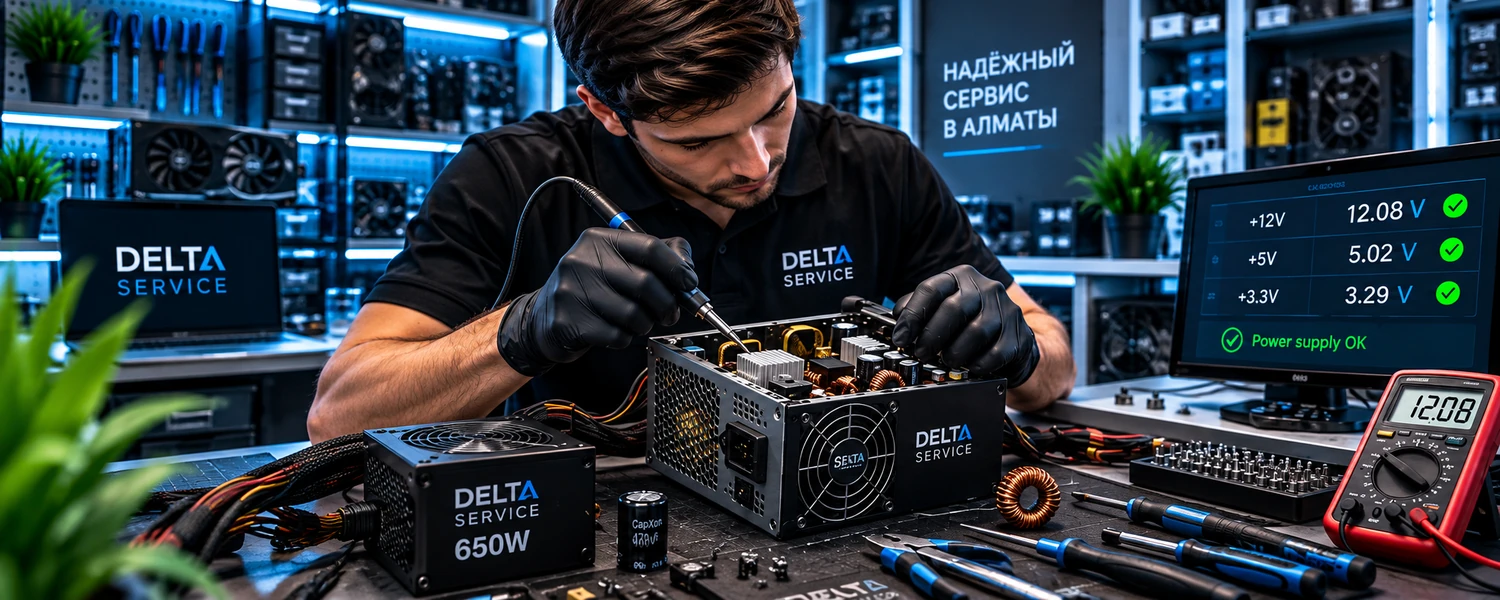
We check the input stage, main voltage rails, protection circuits and PSU components.
We assess capacitors, power components, solder joints and cooling.
After repair, we verify voltages and stability under load.
No. It depends on the model, wattage, damage and parts availability. Diagnostics help compare repair with replacement.
It is not recommended because unstable power can affect other components. Switch the PC off and have the power supply diagnosed.
Yes. After repair, the main rails and operating stability should be checked under load.
Send the device model and describe the problem — we’ll suggest the next step.