Common faults
- !High temperatures
- !Fan runs loudly all the time
- !Performance drops
- !Case gets very hot
- !Shuts down under load
- !No maintenance for a long time
Send the model and symptoms — a specialist will suggest the likely cause and next step.
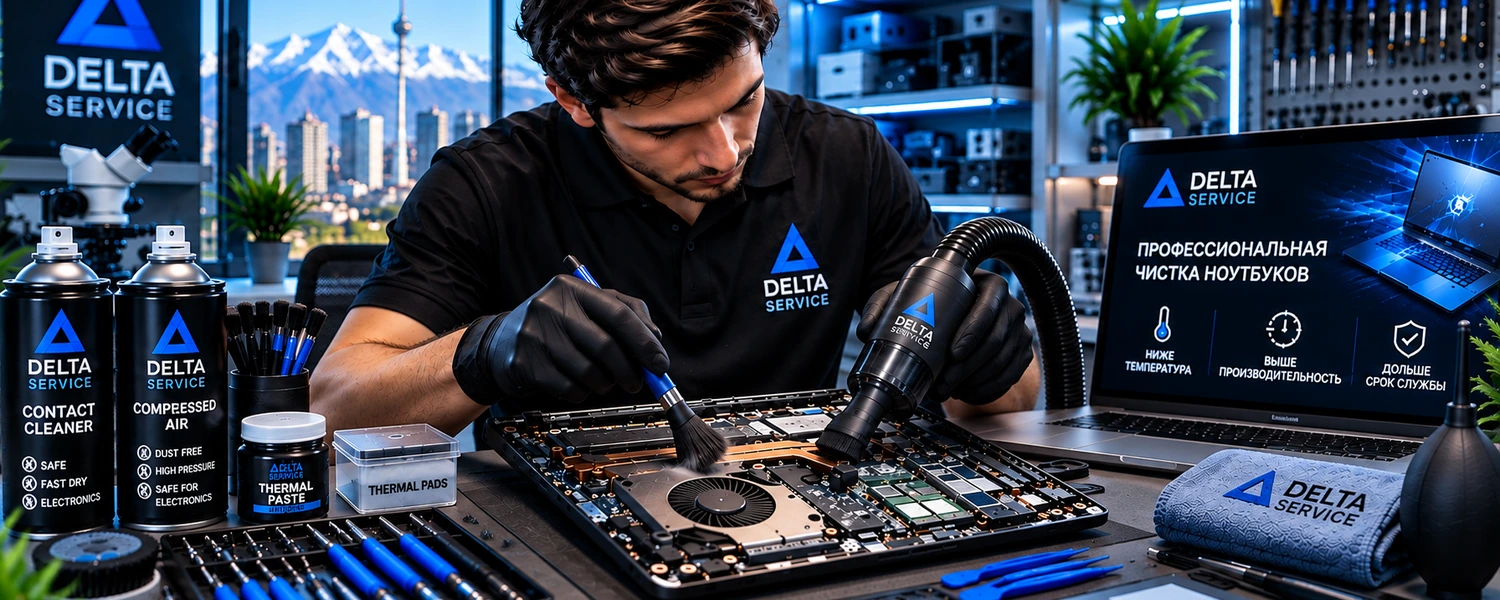
Prevent overheating with cooling-system cleaning, thermal paste and pad replacement, and temperature testing after service.
Send the model and symptoms — a specialist will suggest the likely cause and next step.
Send the device model and what happened. We’ll tell you the best next step without forms or obligations.
Dust gradually blocks the heatsink and reduces heat transfer. Fans then run louder, CPU and GPU frequencies can drop, and severe overheating may cause shutdowns. Regular maintenance is especially important for gaming laptops and high-performance desktops.
We disassemble the laptop and remove dust from heatsinks, fans and internal surfaces.
We inspect the cooling system and condition of thermal interfaces.
After reassembly, we check temperatures and fan operation.
It depends on the operating environment. Rising temperatures and fan noise are good reasons not to postpone maintenance.
Yes when dust buildup or degraded thermal interfaces are the cause. Other causes require diagnostics.
That depends on the design and condition of the thermal interface and is assessed after disassembly.
Send the device model and describe the problem — we’ll suggest the next step.